
Ignore files (.kodikignore)
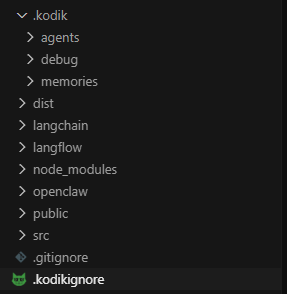
A .kodikignore file in the workspace root lets you explicitly prevent the agent from accessing certain paths. The agent will not be able to read, list, search, or edit matched files — regardless of how it tries to access them.
Syntax
Section titled “Syntax”.kodikignore uses the same syntax as .gitignore:
# Block a secrets directorysecrets/
# Block specific files.env.env.local
# Block all PEM files*.pem
# Block a confidential data directoryprivate/data/
The .kodikignore file itself is also automatically hidden from the agent.
What gets blocked
Section titled “What gets blocked”Kodik enforces .kodikignore rules at multiple levels:
File operations. The agent cannot read, write, or list blocked paths through built-in tools (file reading, editing, search).
Shell commands. Kodik parses shell commands before they run. If a command would access a blocked path — via cat, cp, grep, python, node, and many others — the command is rejected. Both read commands and destructive commands (rm, mv, etc.) are blocked.
Live reload
Section titled “Live reload”KodikIgnoreController watches .kodikignore for changes using a file watcher. Patterns update automatically when you save the file — no IDE restart needed.
When to use .kodikignore
Section titled “When to use .kodikignore”- Files containing secrets that should not enter the prompt (
.env, keys, certificates) - Large generated directories the agent does not need (
dist/,node_modules/) - Confidential content: personal documents, user data, legal files
- Build artifacts and temp files that clutter search results