
Autocomplete
Kodik provides AI-powered inline completions: as you write code, the model suggests continuations directly in the editor. Press Tab to accept a suggestion, or keep typing to dismiss it.
Autocomplete works for all programming languages and supports whole-function suggestions — not just single lines.
Enabling and disabling
Section titled “Enabling and disabling”Autocomplete is enabled by default. You can toggle it at any time with the command:
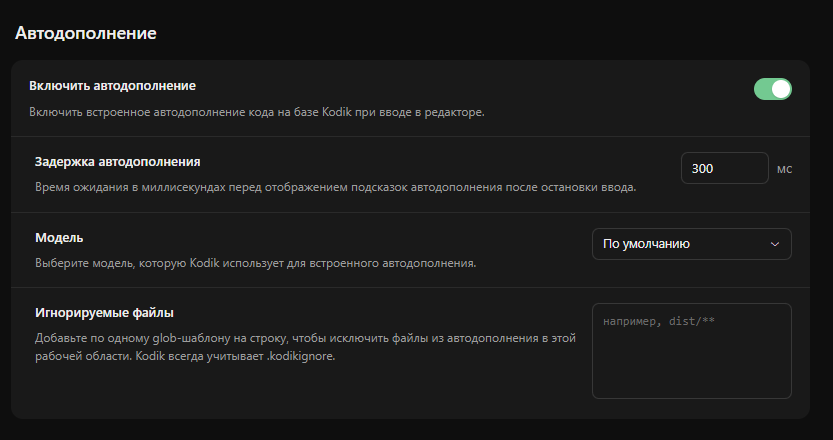
Open the Command Palette (Ctrl+Shift+P / Cmd+Shift+P), type Kodik: Toggle Autocomplete, and press Enter. A notification will confirm the new state.