
Anonymizer Guide
The Anonymizer (KodikShield) is an opt-in privacy feature that replaces sensitive content with placeholders before it reaches the model. Your files are never modified; protection acts only at the data-transmission layer.
When enabled, Kodik masks:
- text you manually marked as sensitive (editor selections);
- content automatically detected as sensitive in tool results (file reads, search snippets, command output, MCP results).
Instead of the original value, the model receives a placeholder of the form __KODIK_...__. This lets the agent reason about the task without ever seeing the protected content.
What It Protects
Section titled “What It Protects”The Anonymizer reduces the risk of accidentally exposing:
- API keys, tokens, passwords, and private URLs;
- database credentials and connection strings;
- internal code snippets you do not want the model to read directly;
- regions you have explicitly marked as sensitive.
What It Does Not Do
Section titled “What It Does Not Do”The Anonymizer is not a complete privacy boundary.
- It does not encrypt files or modify their contents.
- It does not hide file paths or file names.
- Automatic detection is heuristic-based and does not guarantee complete coverage.
- Search indexes and other local features operate on the original workspace data.
Use it as an additional protection layer, not as a replacement for standard secret management practices.
Enabling the Anonymizer
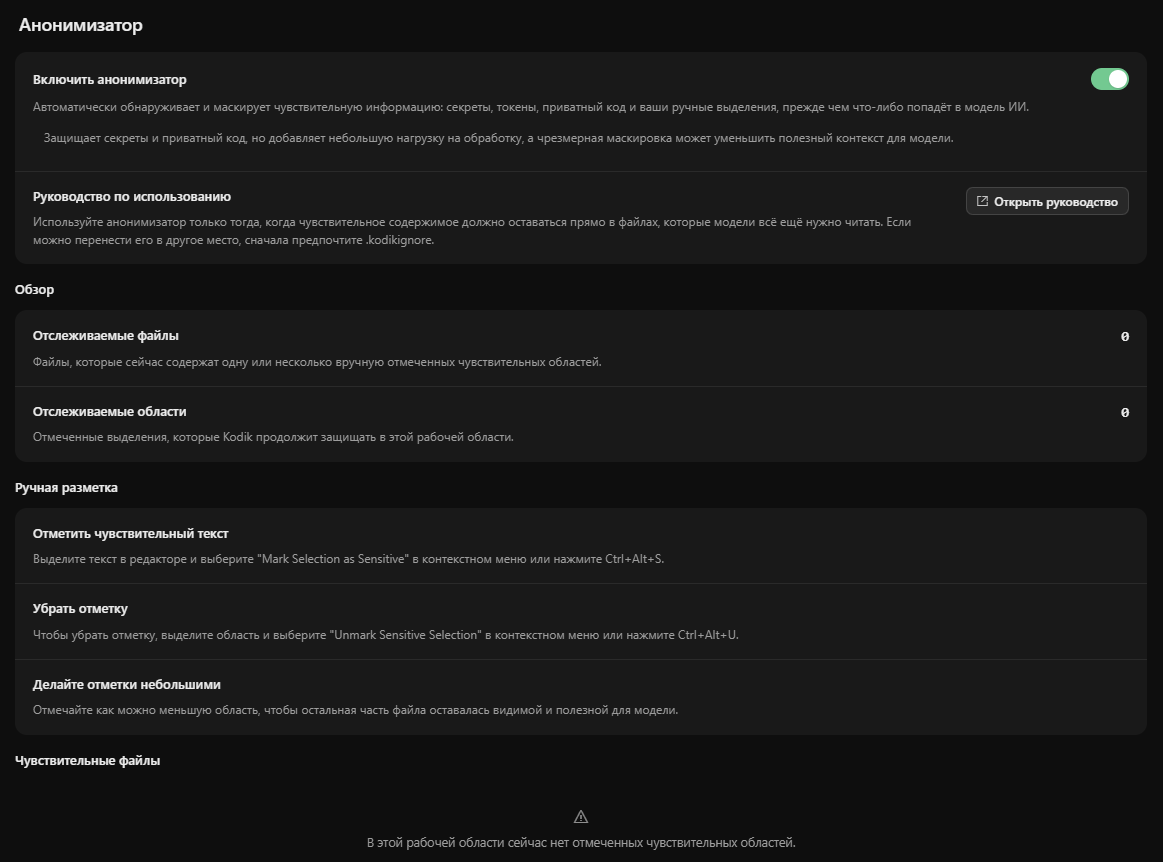
Section titled “Enabling the Anonymizer”- Open Kodik Settings.
- Go to the Anonymizer Settings tab.
- Enable Enable Anonymizer.
Once enabled, manual sensitivity markers become active and Kodik begins masking protected content before the model sees it.
How to Mark Text as Sensitive
Section titled “How to Mark Text as Sensitive”- Open a file in the editor.
- Select the text you want to protect.
- Run the Mark Selection Sensitive command.
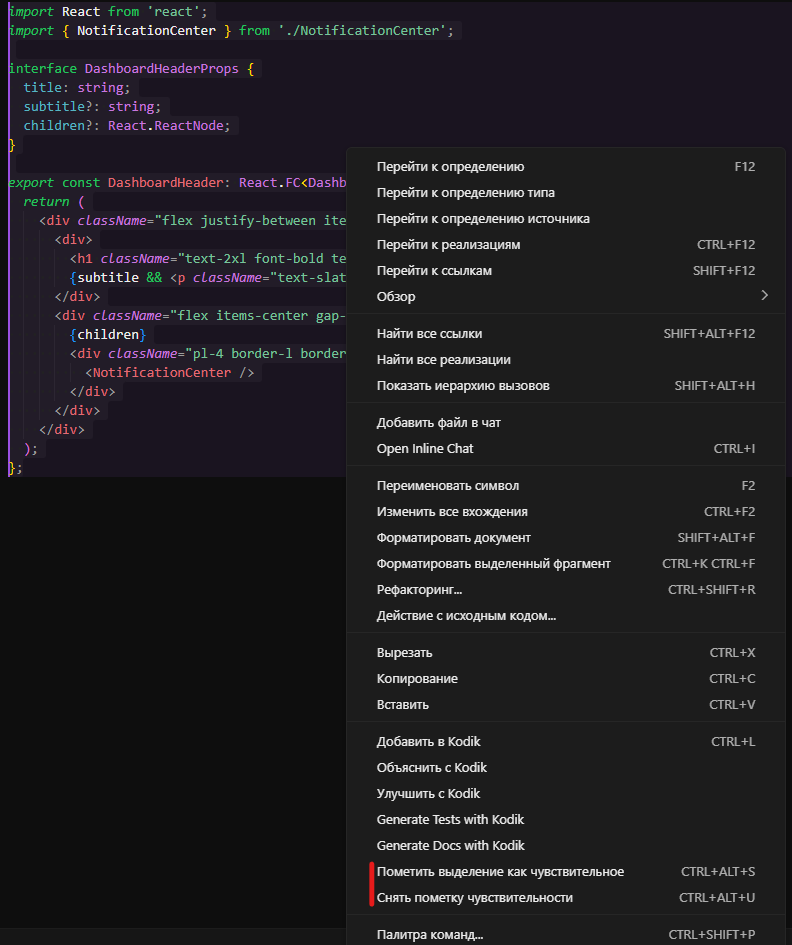
The command can be run from the Command Palette or with a keyboard shortcut — see keyboard shortcuts:
- Linux/Windows:
Ctrl+Alt+S - macOS:
Cmd+Alt+S
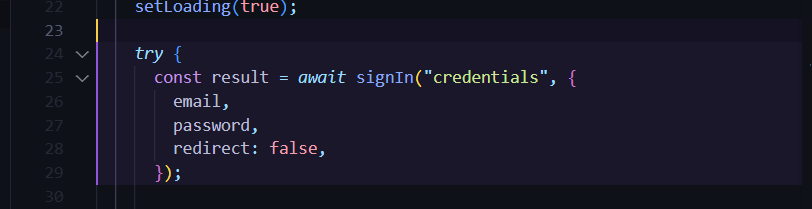
Kodik saves the selection as a manual sensitive region for the current workspace. Marked regions are highlighted in the editor.
How to Remove a Marker
Section titled “How to Remove a Marker”Select the already-protected text and run Unmark Sensitive Selection, or open Kodik Settings → Anonymizer Settings and remove the region from the list.
Keyboard shortcut:
- Linux/Windows:
Ctrl+Alt+U - macOS:
Cmd+Alt+U
Removing a marker does not change the file’s contents — only the saved protection rule is deleted.
What Happens During a Request
Section titled “What Happens During a Request”- You send Kodik a request, or it starts executing a tool.
- Kodik collects request context and tool results.
- Tool results are anonymized. Kodik sends the file content (or command output, search snippet, MCP result) to the Kodik API. If the API is unavailable, a local fallback mechanism is applied. Manual selections are applied on top of either path as a guarantee.
- Original content → placeholders; the mapping is kept in memory for the duration of the session.
- The model receives and sees only the placeholder version.
- Tool arguments are de-anonymized before being applied. When the model generates a file edit or other operation that references a placeholder, Kodik substitutes the original values back before writing to disk.
Viewing and Managing Markers
Section titled “Viewing and Managing Markers”The Anonymizer tab in settings shows:
- whether the Anonymizer is enabled;
- how many files contain manual regions and the total number of tracked regions;
- a list of regions by file with code previews.
From there you can open a region in the editor or delete a marker.
Performance Trade-off
Section titled “Performance Trade-off”Because Kodik must send content to the API (or apply local heuristics) before passing it to the model, requests may become slightly slower when the Anonymizer is enabled.
Best Practices
Section titled “Best Practices”- Mark the smallest region that genuinely needs protection.
- Periodically review the Sensitive Files list and remove markers that are no longer needed.
- Continue using standard secret management practices — the Anonymizer is an additional layer, not a standalone solution.