
Models
Kodik supports several AI model sources. The default provider — the Kodik managed cloud — works without any third-party API key. If you prefer to bring your own key (BYOK), Anthropic, OpenAI / Azure OpenAI, local Ollama, and any OpenAI-compatible service are all available.
Your choice of provider and model is saved in Kodik settings and used for every agent task.
Kodik (managed cloud, default)
Section titled “Kodik (managed cloud, default)”Kodik is the default provider. Sign in to your Kodik account and you can start making requests immediately without any third-party keys. Usage is charged against your account’s credit balance.
By default the auto model is used: it automatically selects the best model for each request.
See pricing and credits for billing details.
BYOK providers
Section titled “BYOK providers”All providers below are available right now. Each one requires either your own API key or a locally deployed service.
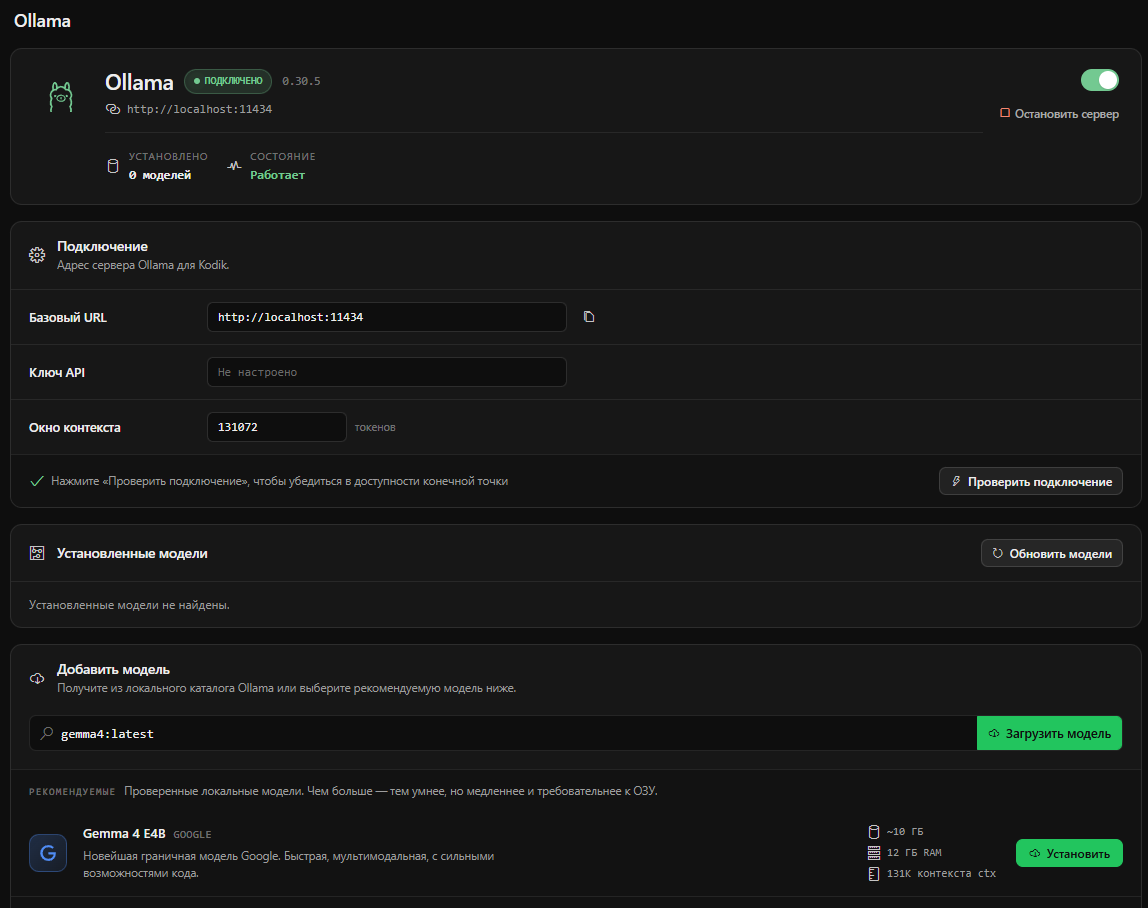
Ollama (local)
Section titled “Ollama (local)”Ollama lets you run models entirely on your own machine — data never leaves your device. The default base URL is http://localhost:11434. Kodik automatically discovers the model’s context window size and adjusts it as needed.
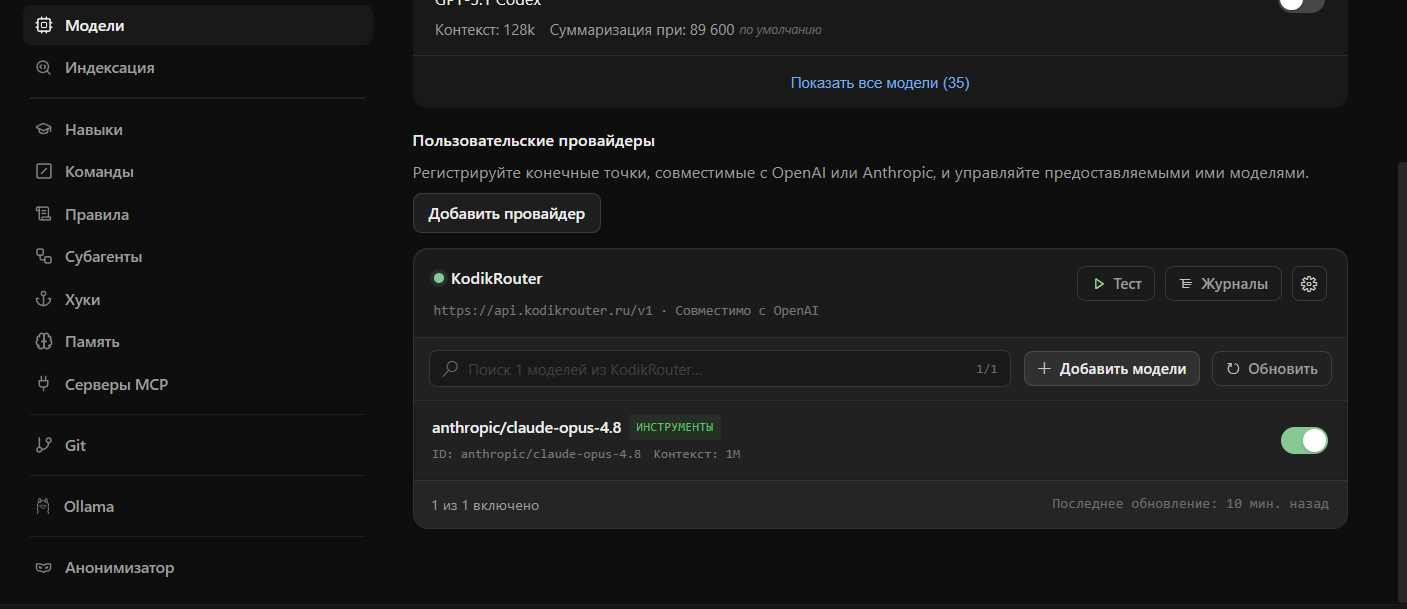
OpenAI-compatible providers (Custom Provider)
Section titled “OpenAI-compatible providers (Custom Provider)”Kodik supports any API in OpenAI format. Well-known services — OpenRouter, Groq, Together AI, Mistral, Perplexity, Fireworks, DeepSeek, LM Studio, LiteLLM — are detected automatically from the base URL. For any other service, just provide the URL, API key, and format.
Choosing and managing models
Section titled “Choosing and managing models”The model list, favorites, hiding unwanted models, and credit multiplier badges are described in choosing and managing models.
Sub-agents can use a separate model — see sub-agent model.